
Messaging software · evidence review
Agentalk.online: messaging product interfaces
Messaging interfaces for reusable templates, operator workflows and plan options.
ContributionProduct-interface walkthrough; detailed delivery scope is not specified
View the product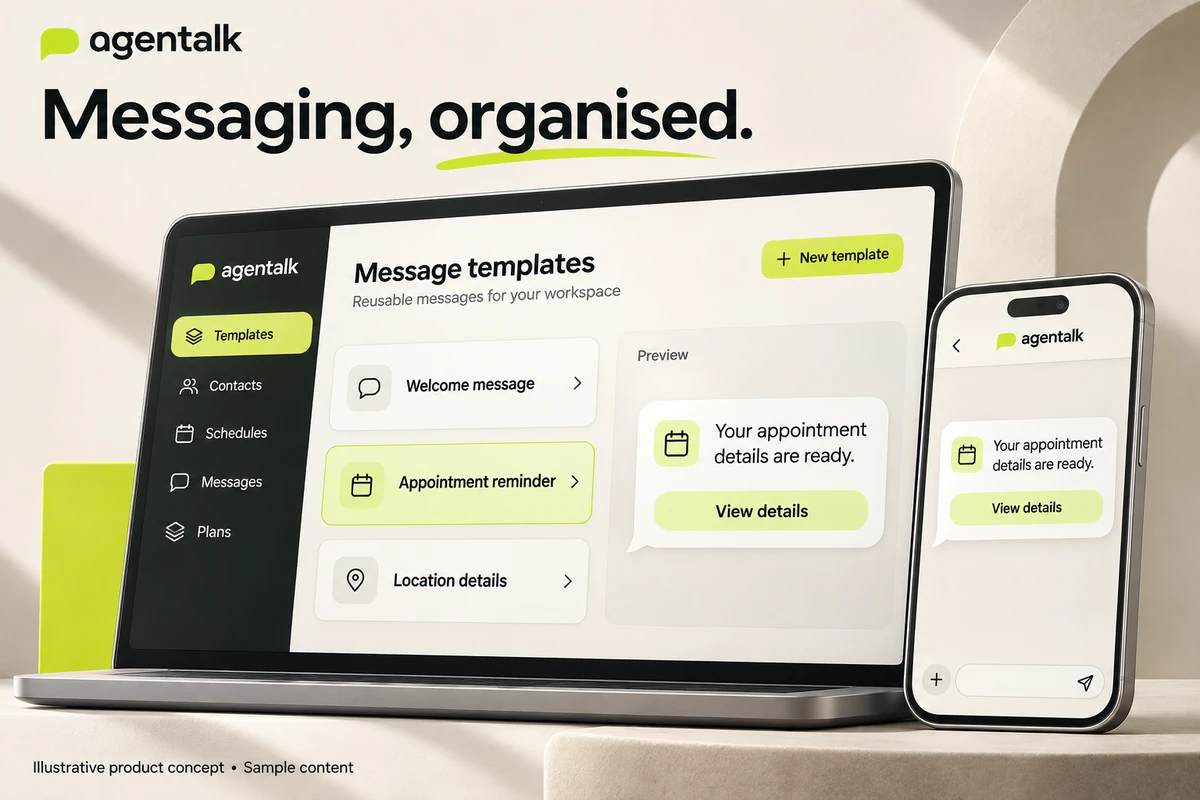
What if the operator did not have to rebuild every message?
Messaging work can involve repeating the same preparation: choose the recipient context, prepare content, pick a delivery route and find the resulting history. Agentalk.online's supplied interfaces show a workspace organised around those tasks.
Attribution boundary: this overview documents the supplied product interfaces. It does not assert an implementation stack or accepted delivery scope that the evidence does not establish. Agentalk.online must not be conflated with another similarly named product, including agentalk.io.
Visual treatment: the cover and two large workflow images are AI-generated presentation concepts with sample content. They explain the product areas; they are not authentic application screenshots, a redesigned product release, official brand assets or evidence of completed sends. Genuine source screens remain linked separately.
01 / Make reusable content visible
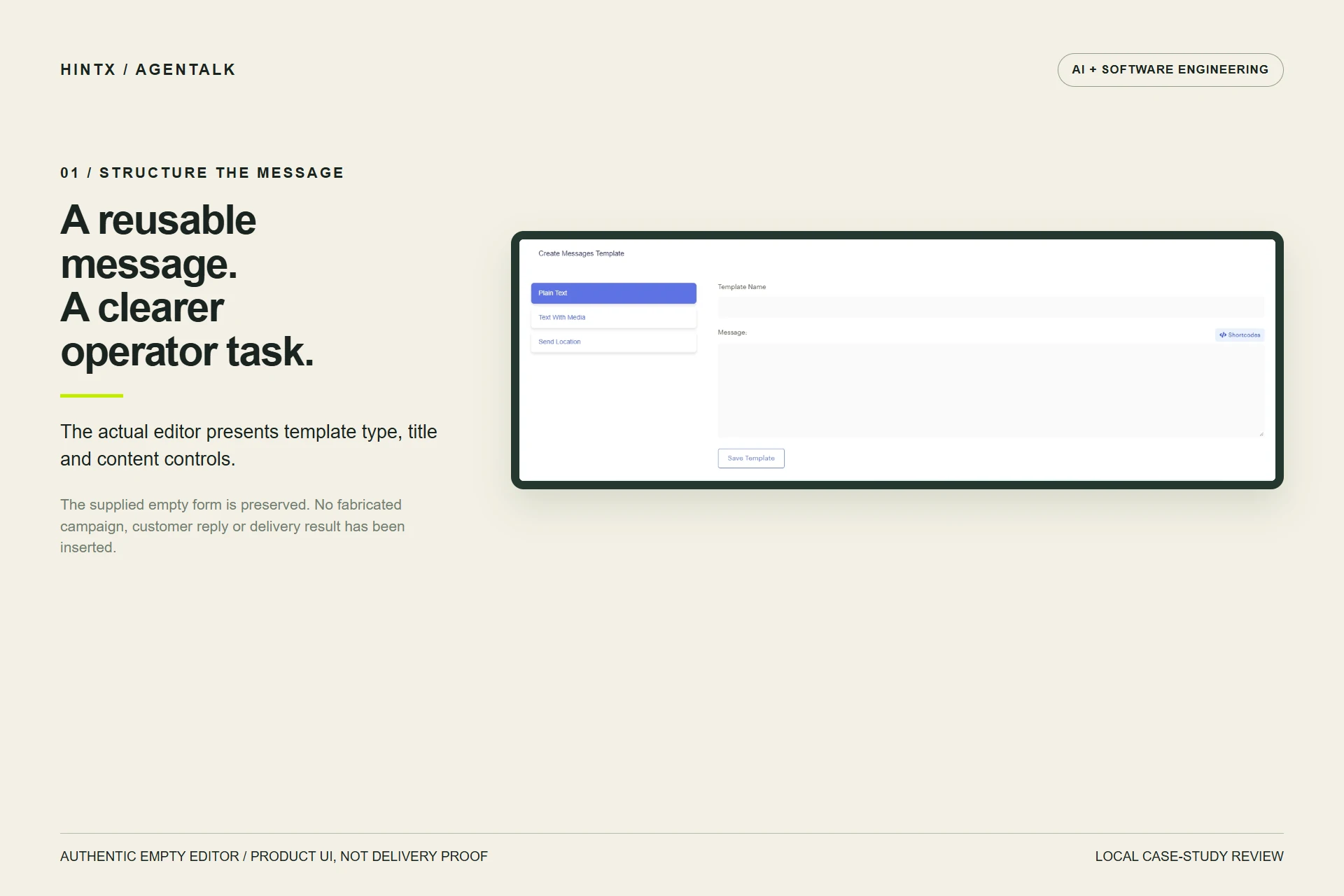
The authentic template editor provides plain-text, media and location choices alongside title and content controls. The concept below makes the template-to-message relationship easier to follow. Its designed interface and generic appointment example are illustrative. Inspect the authentic editor separately; the actual supplied form remains empty.
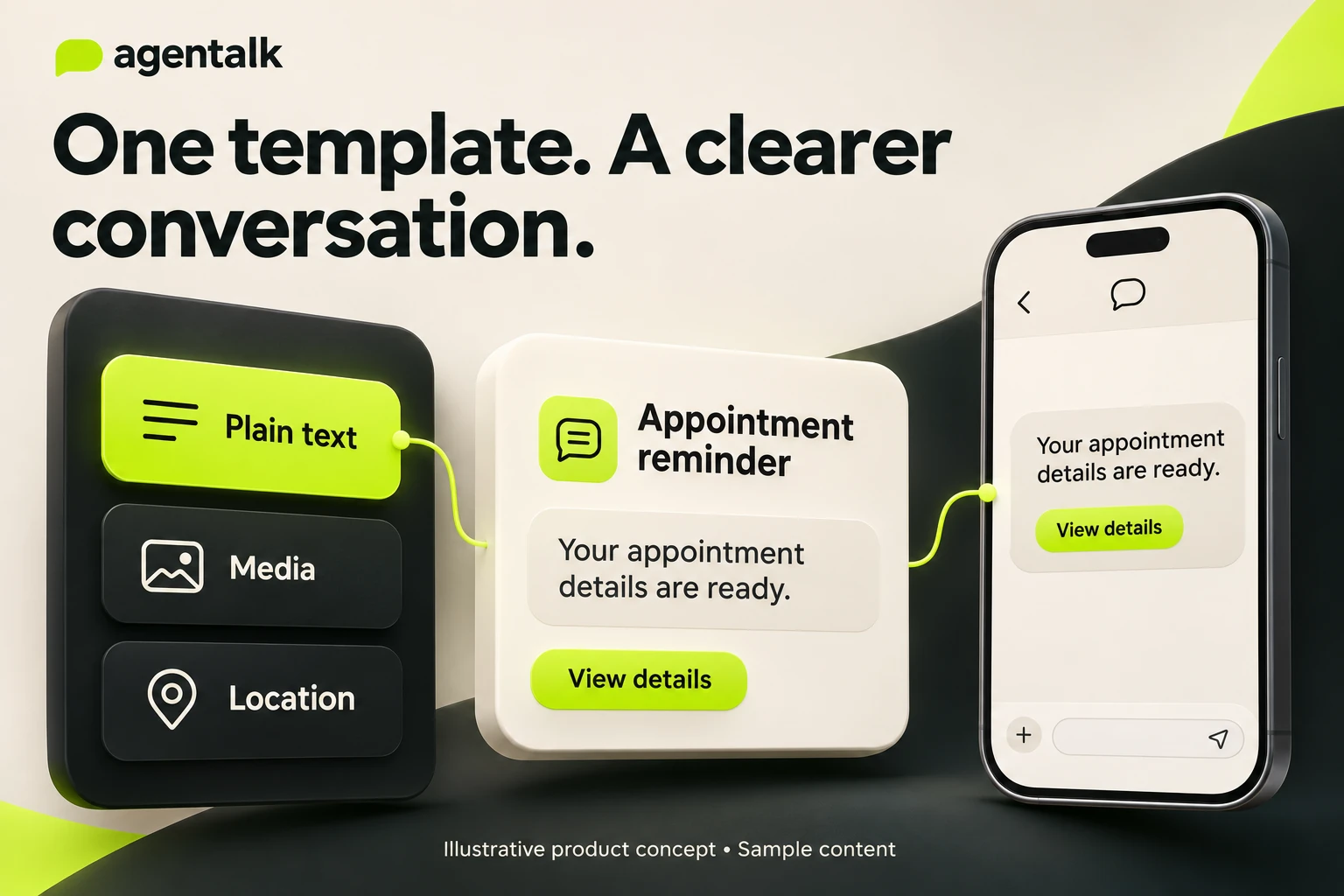
AI-generated illustrative template-to-message concept using sample content. This is a presentation mockup, not captured Agentalk UI, an actual customer message or proof of delivery. Select the image to enlarge.
02 / Explain the operator journey
Supplied navigation exposes contacts, devices, templates, single and bulk messaging, scheduling, message history and automation-related areas. The story connects these visible product areas: preparation, choosing an action and reviewing history.
The connection is an explanatory workflow, not a demonstration that a message travelled through a specific provider. A chatbot or auto-reply label does not establish AI implementation. Official WhatsApp API approval, queue behaviour, retries and real delivery remain unverified.
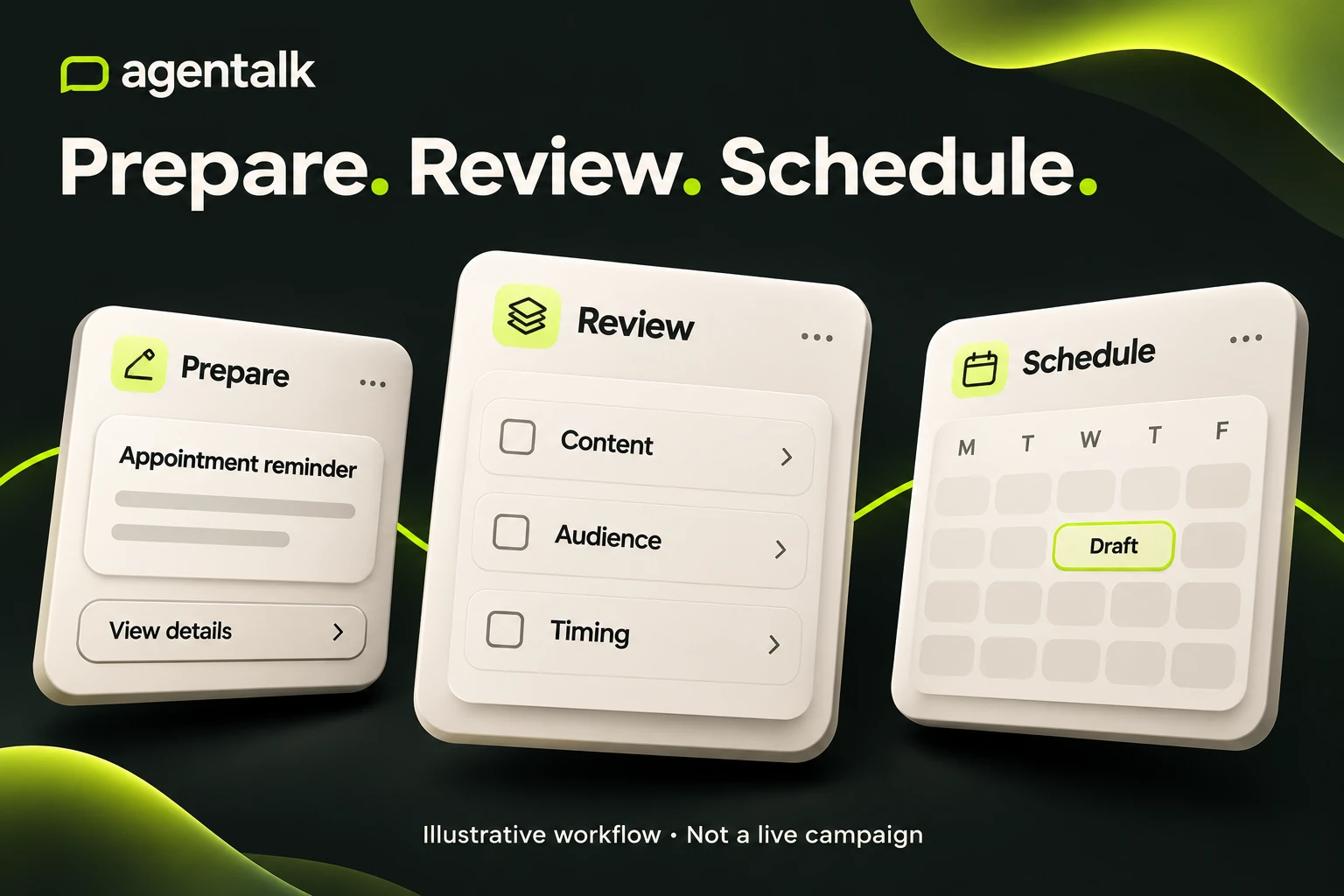
AI-generated illustrative preparation, review and scheduling journey. The sample campaign remains a draft; this is not a real schedule, application screenshot or verified sending workflow. Select the image to enlarge.
03 / Make product boundaries understandable
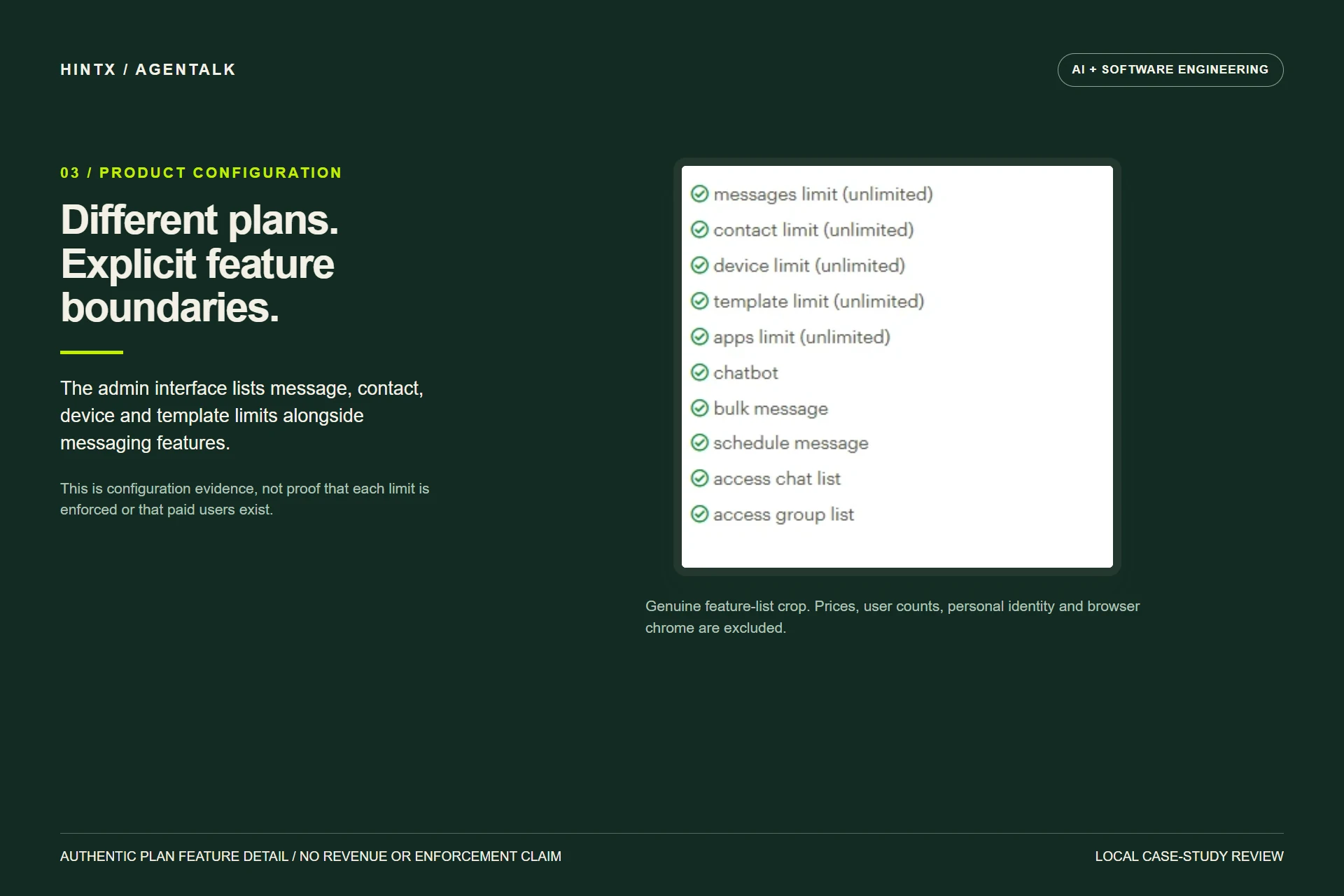
The plan-configuration screen lists message, contact, device and template limits, plus feature availability. The original feature-detail crop remains linked below, with prices, user totals and personal browser identity excluded. This is a useful product distinction: a configurable entitlement is different from proof of its enforcement.
Inspect the preserved authentic plan-feature detail. This source image is configuration evidence, not a commercial-performance result.
The evidence needed before this becomes an attributed delivery story
The supplied interfaces do not establish deployment state or configuration enforcement. A privacy-cleared end-to-end recording would provide stronger evidence of those behaviours. No customer count, testimonial, message-volume result or unsupported productivity metric is included.
Explore a related engineering problem
Workflow automation · TeleGrowth (a separate CRM engagement) · Discuss your workflow with HINTX.
AI + software engineering
Make your systems work together.
Tell us about the workflow, the people using it and the constraints that matter.
Discuss your project