
AI, Automation & Software
4 min read
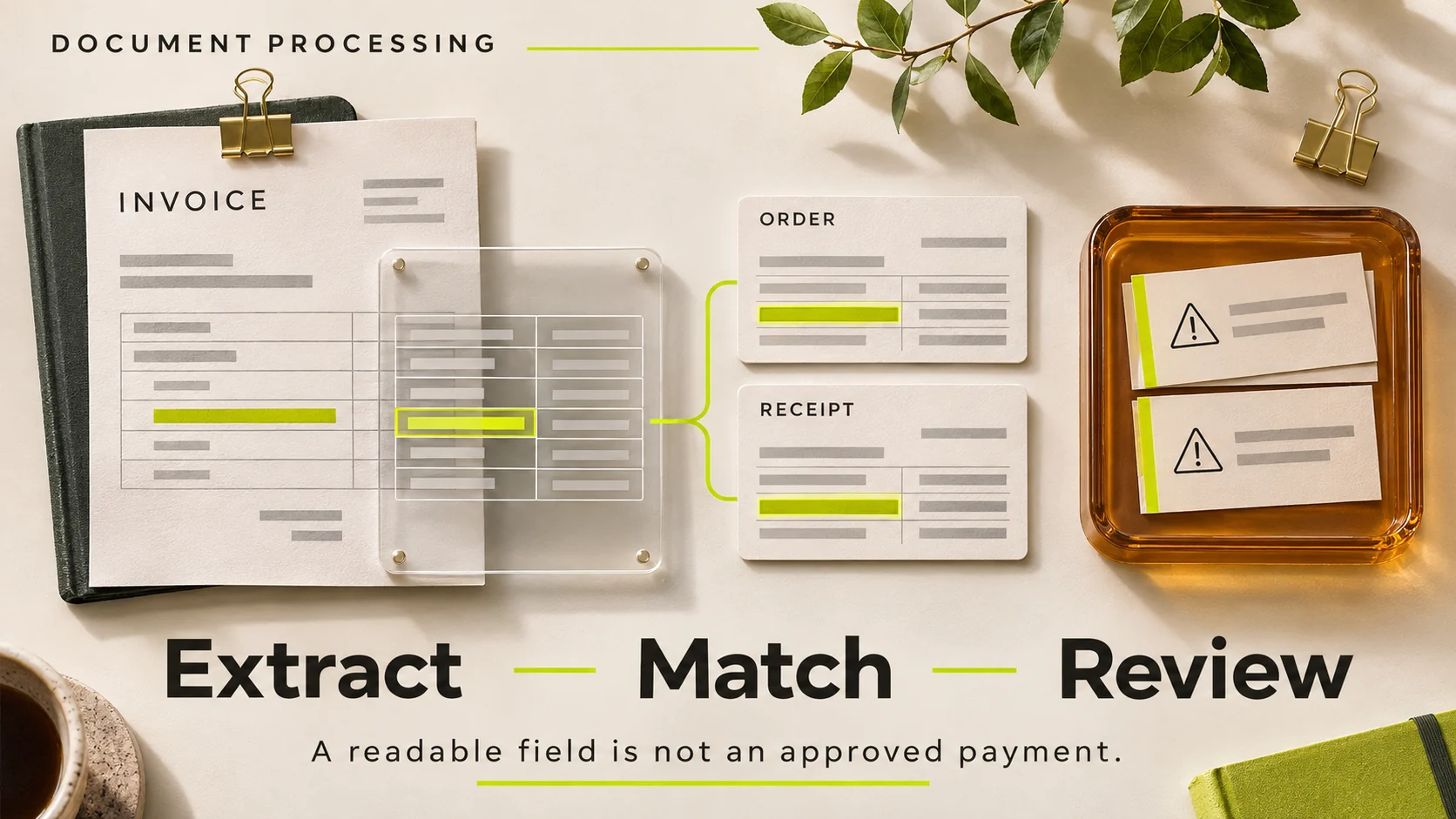
Reading an invoice is not the same as approving it. A useful AI document-processing workflow extracts proposed values, matches them against authorised records and sends uncertain or conflicting cases to a person. It should not turn a plausible reading into an automatic payment decision.
The business opportunity is often the repetitive work around documents: locating references, comparing fields, identifying missing information and preparing a clear review task. Those steps can be improved without handing over financial authority.
What the latest model choices change
On 11 November 2026, Microsoft described additional model choices in Azure Content Understanding and recommended testing quality and cost on the customer's own documents. Vendor evaluation results do not establish the accuracy of a particular business's invoice workflow.
The practical response is to prepare representative documents and expected fields before choosing a model. A more capable extractor cannot repair missing purchase-order records or decide who is authorised to approve a discrepancy.
Define the document contract
List the fields the next business step actually needs: supplier reference, invoice reference, issue date, currency, line items, totals and a link to the source. Keep the extracted text alongside normalised values where ambiguity matters. A date written as 04/05 requires context; silently choosing a regional interpretation can create an error that looks perfectly formatted.
Distinguish missing, unreadable and not applicable. A blank field should not become numeric zero. Preserve the original document under the existing retention and access rules, rather than making uncontrolled copies in every downstream tool.
| Stage | Output | Important boundary |
|---|---|---|
| Extract | Proposed fields with source references | Do not invent unreadable values |
| Validate | Format and arithmetic checks | A valid format does not prove legitimacy |
| Match | Comparison with approved records | Use the correct supplier and order |
| Review | Human decision on exceptions | Show the disagreement and source |
| Record | Approved result and audit event | Keep payment authority separate |
Make exceptions easy to understand
A reviewer should see the relevant document region, extracted value, matched record and reason the case was held. “Low confidence” alone is a poor work instruction. “The invoice total differs from the approved order total” identifies something a person can investigate.
Useful exception types include an unknown supplier, duplicate invoice reference, inconsistent currency, missing order reference, unreadable page and disagreement between a line-item sum and the stated total. Define which team owns each type and how it returns a corrected case to the workflow.
Example: a correct extraction that still needs review
Illustrative scenario: the system reads every field clearly, but the invoice refers to an order with a different delivery quantity. The extraction may be accurate while the business match fails. The workflow should retain both values, explain the discrepancy and wait for an authorised decision.
Conversely, an unclear scan may still be easy for a reviewer to resolve from the source. Do not reject the entire process because one field needs attention. Route the smallest useful review task while keeping the complete document available to authorised staff.
Prevent duplicates and uncontrolled retries
A document may arrive twice through different channels or be resubmitted after a timeout. Use stable document and operation identifiers, plus business-level duplicate checks. A file hash can identify identical bytes, but a rescanned copy may need a separate supplier-and-reference comparison.
If the final system write succeeds and the response is lost, the retry should recover the known result rather than create another record. This is an integration problem as much as an AI problem. See our API integration strategy for ownership and recovery planning.
Evaluate fields and completed work separately
Measure critical-field correctness, exception routing, duplicate handling and the time a reviewer spends resolving a case. Keep document types separate when their difficulty differs. An average across clean digital invoices and damaged scans can hide the very cases that consume staff time.
Test a fixed sample before and after changing the model or extraction instructions. Include documents the development team has not tuned against. Do not publish an accuracy percentage without defining the sample, field rules and review method.
Frequently asked questions
Can AI approve invoices automatically?
That is a separate business-authority decision. Extraction should not imply approval. Start by preparing verified information and exceptions for the existing authorised process.
Do we need a new finance system?
Not necessarily. A focused integration can work with the current document store and operational system if supported interfaces and ownership are clear.
What should we provide for a pilot?
Representative redacted documents, expected field values, matching rules and examples of exceptions. Include the difficult cases that staff currently handle manually.
Improve the document work around your existing systems
HINTX's automation service can help map extraction, validation and review into one accountable workflow. Describe where documents arrive and where approved information must end up; that defines a useful starting scope.
Research checked 20 November 2026. Product availability can change. The cover is an AI-generated editorial illustration, not a client screenshot or performance result.



Login to comment
To post a comment, you must be logged in. Please login. Login
Comments (0)