
Business Strategy
4 min read
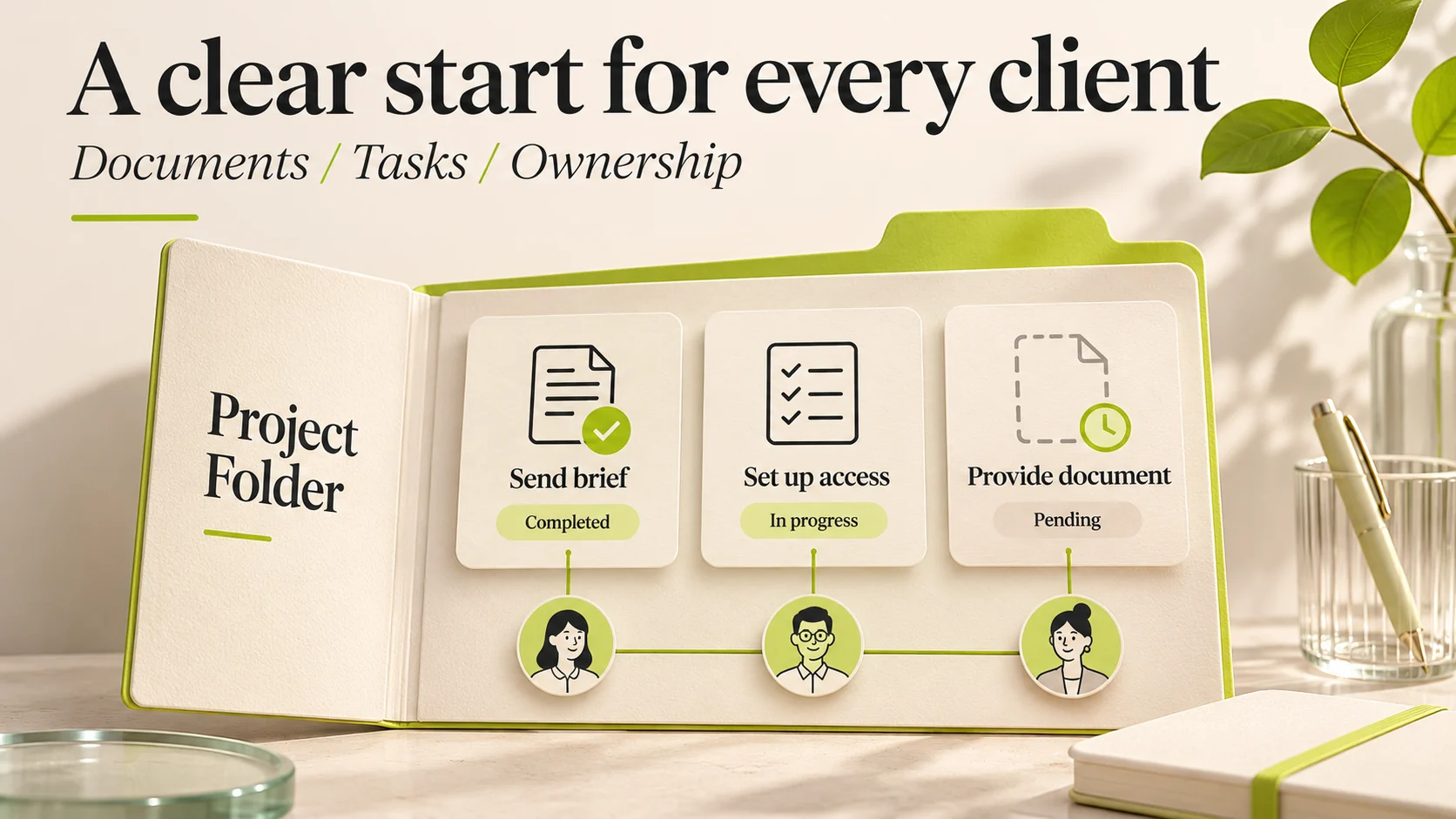
Client onboarding automation should turn an agreed engagement into a clear operating plan. It connects the sales handover, required documents, project tasks and responsible people. The goal is not to send more automated reminders; it is to prevent missing information from becoming a delivery problem.
Start by identifying the event that authorises onboarding. A signed agreement, an accepted order or an internal approval may be appropriate. A CRM stage changed accidentally should not grant system access or trigger commitments on its own.
Define the minimum handover
The delivery team needs the agreed scope, customer contact, decision owner, dependencies, access requirements and unresolved questions. Keep the signed or approved scope separate from sales notes. Where the two conflict, stop and request clarification.
Use stable client and engagement identifiers across the CRM, document store and task system. One organisation may have several projects with different contacts and permissions. Do not merge them simply because the company name matches.
Automate the coordination steps
- Validate the authorising event and required handover fields.
- Create or locate the correct engagement workspace.
- Apply approved access roles.
- Create tasks from the relevant service template.
- Assign owners and dependencies.
- Request missing information through the agreed channel.
- Show readiness and blockers in one place.
AI can summarise discovery notes, identify unanswered questions and draft a welcome message. Rules should control access and task creation. HubSpot's contact and deal APIs illustrate why contact identity and opportunity context need deliberate mapping rather than a single free-text summary.
Example: onboarding with a missing system owner
Illustrative scenario: a client has approved an automation pilot, but nobody has identified who can authorise access to its CRM. The system can create planning tasks and flag the dependency. It should not ask a random employee to share an administrator password or report that technical onboarding is complete.
The project owner should see which work can proceed and which work is blocked. A useful reminder names the missing decision and the right person, rather than repeatedly sending the entire document checklist.
Handle change without restarting everything
A client may replace a contact, revise a date or pause the engagement. Update the affected tasks and permissions without duplicating the workspace. Record what changed and preserve completed evidence. If the engagement is cancelled, follow a defined access-removal and record-handling process.
Use operation identifiers for repeated webhook events. Test an interrupted workspace creation, a failed invitation and a task-service outage. Recovery should continue from the known state rather than creating a second client folder.
Measure readiness, not reminder volume
Review time to a complete handover, missing dependencies discovered after kickoff, duplicate tasks and client questions about what happens next. These reveal whether the process is clearer. The number of automated emails sent does not.
Common questions
Should every client use the same checklist?
Use a shared core with service-specific requirements. A software integration and a content engagement need different access and acceptance details.
Can AI approve access?
Access should follow an authorised identity and role process. AI can explain or prepare the request, not invent permission.
Where should the onboarding status live?
Prefer the existing system your delivery team actually uses, with links to supporting records instead of unnecessary copies.
Sources and further reading
Continue with business process assessment, internal platform planning.
Discuss your workflow
HINTX helps businesses connect practical operating needs with AI automation and software engineering. Explore our related service, or describe your current process and the problem you want to solve. A useful first discussion starts with your systems, constraints and intended outcome.
Research checked 24 November 2026. Examples are illustrative unless explicitly identified otherwise. Product capabilities and terms can change. The cover is an AI-generated editorial illustration, not a client screenshot or measured result.

Login to comment
To post a comment, you must be logged in. Please login. Login
Comments (0)