
AI, Automation & Software
5 min read
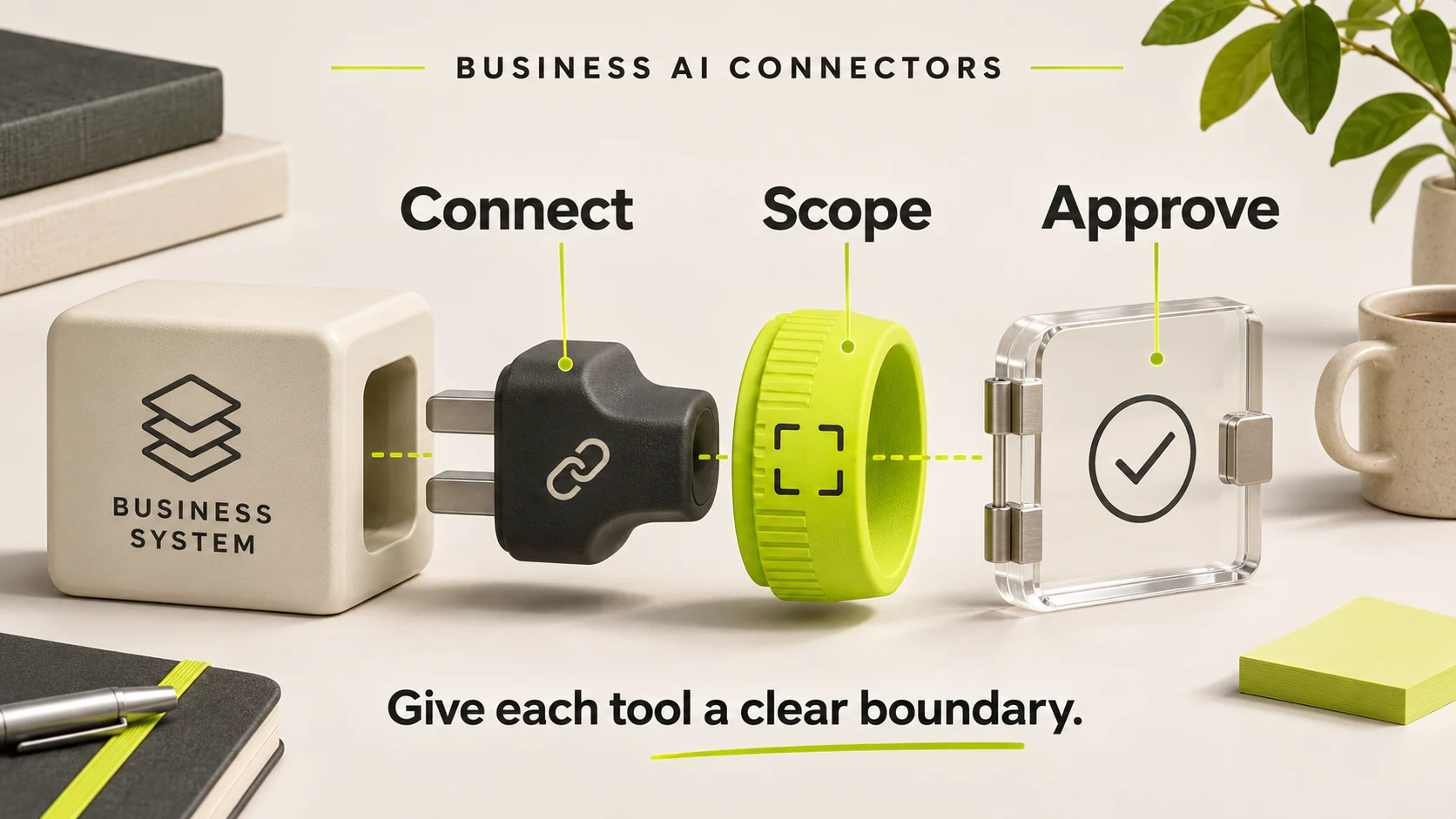
A business AI connector should expose the smallest useful action to the right identity. Connecting a model to your CRM or order system is only the beginning. The important questions are which records it can read, which changes it can make, and what happens when its request is wrong.
The Model Context Protocol, or MCP, provides a common way for AI applications to work with tools and context. It does not decide your organisation's authority rules. Those rules belong in the connected application and its access controls.
Why this is a current implementation decision
The 28 July 2026 MCP specification introduced changes including a stateless core, routing headers and authorisation hardening. A connector built against an earlier version should be assessed for compatibility; installing a current SDK is not evidence that the entire business workflow is safe.
The practical lesson is to treat a connector as an integration with a version, owner and acceptance test. A tool description that sounds reassuring cannot substitute for an enforced permission check.
Start with actions, not applications
“Give the assistant access to the CRM” is too broad. Write down separate tasks: find an authorised customer's open tickets, prepare a response, propose a record change, and submit a change after approval. A read operation and a refund operation should not inherit the same authority just because they appear in one system.
| Tool | Minimum scope | Control to demonstrate |
|---|---|---|
| Find an order | Permitted customer and fields | Cross-customer requests denied |
| Draft a ticket reply | Approved context, no send permission | Draft remains reviewable |
| Update a delivery note | Specific record and editable fields | Current-state check and audit event |
| Issue a refund | Separate financial authority | Human approval and server-side enforcement |
Make identity explicit at every step
Record whether the tool acts for a signed-in person, a service identity or a scheduled process. Avoid a shared administrator credential for every task. The connected system must verify the caller's authority for the target record, not simply trust a customer ID supplied by the model.
Decide how access is revoked when a person leaves or a pilot ends. Keep secrets outside prompts and ordinary logs. A useful audit record identifies the actor, requested operation, target, approval reference and outcome without copying unnecessary private content into a second store.
Approval should bind the exact proposed change
Suppose a user approves changing an appointment to Tuesday morning. The system should not treat that as permission to cancel a different booking after the agent revises its plan. Bind approval to the record, operation and proposed values. If those change, require a new decision.
For consequential writes, check the record's current state immediately before applying the change. A staff member may have edited it while the assistant was preparing its answer. Rejecting that conflict is preferable to silently replacing newer information.
Design for retries and partial failure
Illustrative scenario: an assistant submits a delivery-note update, but the connection drops before it receives the result. Repeating the request without an operation identifier could create duplicate work. The tool should be able to look up the original operation and distinguish completed, rejected and unknown outcomes.
Keep the agent's wording separate from the system result. “Done” is appropriate only when the authoritative system confirms completion. An accepted request, queued task and completed task are different states. Define who handles a task that cannot be safely retried.
Run a small connector acceptance exercise
- Call the tool as an authorised user and an unauthorised user.
- Try an allowed record and an unrelated customer's record.
- Change the underlying record after the proposal but before approval.
- Repeat a successful request with the same operation identifier.
- Remove access and verify it takes effect.
- Place misleading instructions in retrieved content and confirm they do not expand permissions.
Use representative test records and a controlled environment. Keep the expected result with each case so the review is repeatable. Our business API integration guide covers broader system ownership and recovery decisions; this checklist focuses on the AI-facing tool boundary.
Common questions
Does MCP replace an existing API?
Usually it presents selected capabilities from an underlying system. The original API, database rules and identity controls still matter. Do not build a second source of truth just to add an assistant.
Can we start with read-only tools?
Yes. A useful first version can retrieve permitted information and prepare a proposal while a person performs the final action. Read access still needs protection because information itself can be sensitive.
Must every action ask for approval?
No. Define authority by the action's consequences and reversibility. A bounded low-risk operation may be automatic; financial or destructive actions need a more deliberate boundary.
Scope one useful business connector
HINTX's automation implementation service can help define the tool contract, permission checks and recovery behaviour. Describe one task, its current system and the decision a person must retain to start a concrete discussion.
Research checked 20 November 2026. Product availability can change. The cover is an AI-generated editorial illustration, not a client screenshot or performance result.



Login to comment
To post a comment, you must be logged in. Please login. Login
Comments (0)