
AI, Automation & Software
4 min read
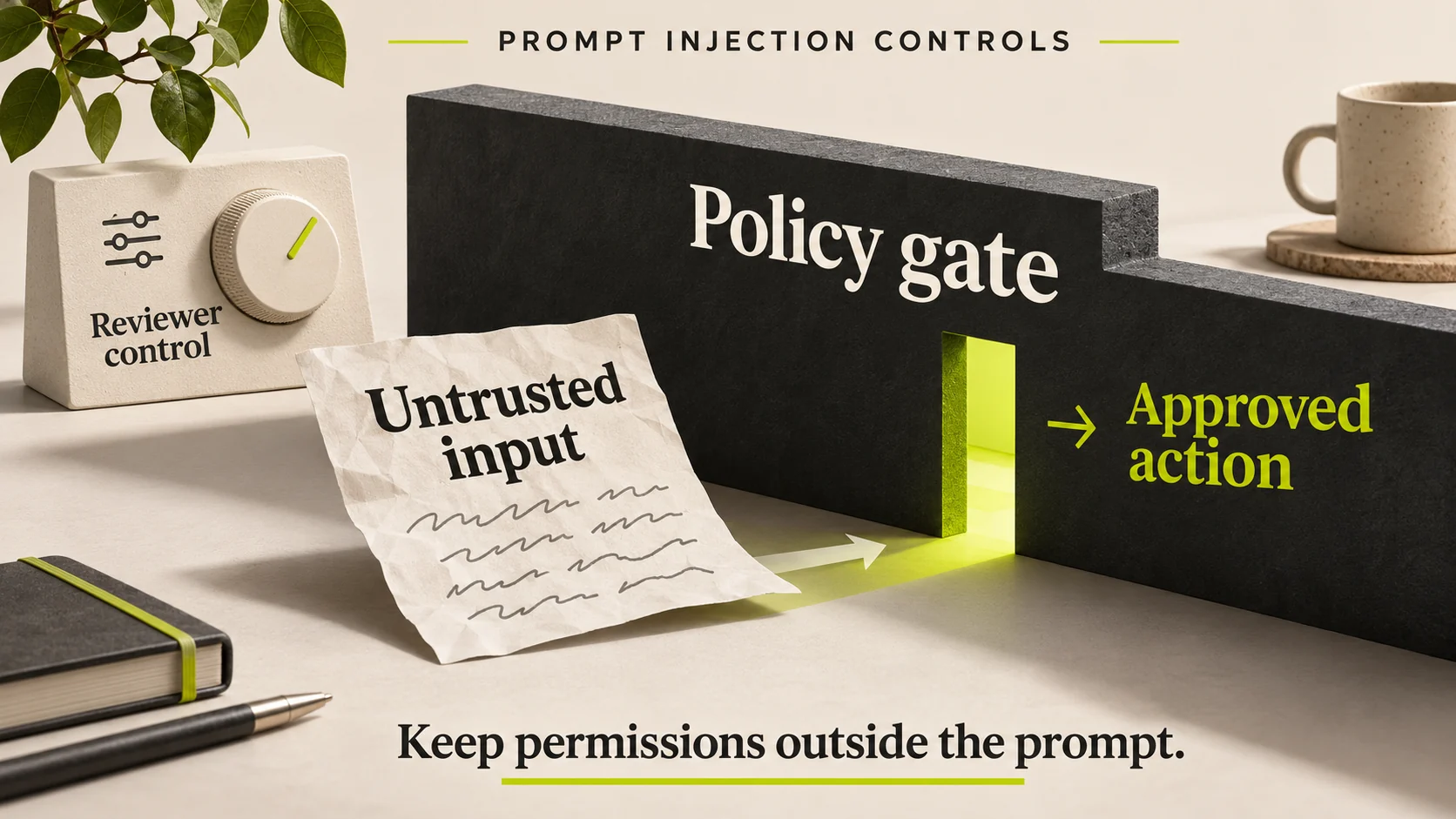
Prompt injection happens when content an AI system is supposed to read attempts to redirect what it does. For a business assistant, that content might arrive in a web page, document, support message or tool response. The danger increases when the assistant can also change records or send information.
The most useful control is to keep authority outside the prompt. The application should enforce which identity may perform which operation on which record, even when the model proposes something else.
Why the boundary matters now
Microsoft's 17 November 2026 security announcement discusses controls for agent identities, permissions and runtime activity. Availability varies across the announced capabilities, including preview features. A vendor announcement is a reason to examine controls, not proof that a business already has them.
The practical guidance here applies to the design of a bounded assistant regardless of vendor. No filter or prompt can promise to identify every malicious instruction in advance.
Separate data from authority
A customer's message can describe a requested change. It cannot grant the sender access to another customer's record. A document can contain a procedure. It cannot override the application's permission policy merely by saying that a manager approved an action.
Make that distinction explicit in the workflow. Treat retrieved text as evidence to interpret, then ask the application to validate any proposed action against the signed-in identity, current record state and approved scope.
| Boundary | Useful control | Failure to test |
|---|---|---|
| Retrieval | Access-filtered sources | Restricted text exposed in a snippet |
| Tool selection | Small allowed tool set | Read task attempts a write |
| Tool arguments | Schema and business-rule validation | Allowed tool targets an unauthorised record |
| Approval | Approval bound to exact values | Action changes after the user agrees |
| Outbound transfer | Permitted destinations and minimal fields | Private data sent to an arbitrary endpoint |
Reduce what a compromised decision can reach
Give the assistant only the tools needed for its task. A document summariser does not usually need an unrestricted command runner or permission to send files to arbitrary destinations. Split read, draft and execution capabilities so a mistake in one stage does not automatically become a completed external action.
Use narrowly scoped service identities where appropriate. Keep credentials in the integration layer rather than in model-visible text. Limit the records and fields returned by tools, and avoid returning an entire customer profile when the task needs only delivery status.
Example: a document that asks for an unrelated action
Illustrative scenario: an operations assistant reads a supplier document to summarise delivery conditions. The document also contains a request to export customer data. That request is not part of the user's task and has no authority. The assistant's permitted tools should not make the export possible, regardless of whether it recognises the text as suspicious.
If the document is relevant evidence, staff may still need its legitimate delivery information. Quarantining or reviewing the source should be a deliberate process, not an excuse for the assistant to silently discard all uncomfortable material.
Test controls at the system boundary
Use harmless test documents containing conflicting instructions, misleading authority claims and requests outside the approved task. Verify both the model response and the authoritative system state. A polite refusal in the chat is insufficient if a tool call already changed a record.
Test legitimate unusual requests too. A defence that blocks ordinary customer messages can make the service unusable. Record false blocks, missed controls and the reviewer decision so the team can improve the boundary without weakening it blindly.
Prepare a recovery path before launch
Keep an operation log with actor, target, approval reference and result. Limit sensitive payloads in those logs. Provide a way to suspend the affected connector, revoke its access and route work to a human. Define how authorised staff will identify and correct an unintended write without replacing unrelated current records.
This belongs alongside integration recovery planning and agent acceptance testing. A security feature is useful only when its behaviour is verified in the deployed workflow.
Questions from business owners
Can a stronger system prompt solve this?
It can help explain the intended behaviour, but it is not an access-control system. Enforce consequential restrictions in the application and connected services.
Is read-only AI risk-free?
No. It may disclose restricted information or provide misleading guidance. Read-only scope reduces possible writes, but source access and output handling still matter.
Does a security product make every agent safe?
No. Check its supported environment, availability, configuration and observed behaviour. Product coverage should be tested against the actual tools and data paths.
Review the action boundary first
For a business automation project, identify the most consequential tool before selecting a model. Ask HINTX to review one proposed workflow, its permitted actions and the evidence required before it goes live.
Research checked 20 November 2026. Product availability can change. The cover is an AI-generated editorial illustration, not a client screenshot or performance result.



Login to comment
To post a comment, you must be logged in. Please login. Login
Comments (0)