
AI, Automation & Software
6 min read
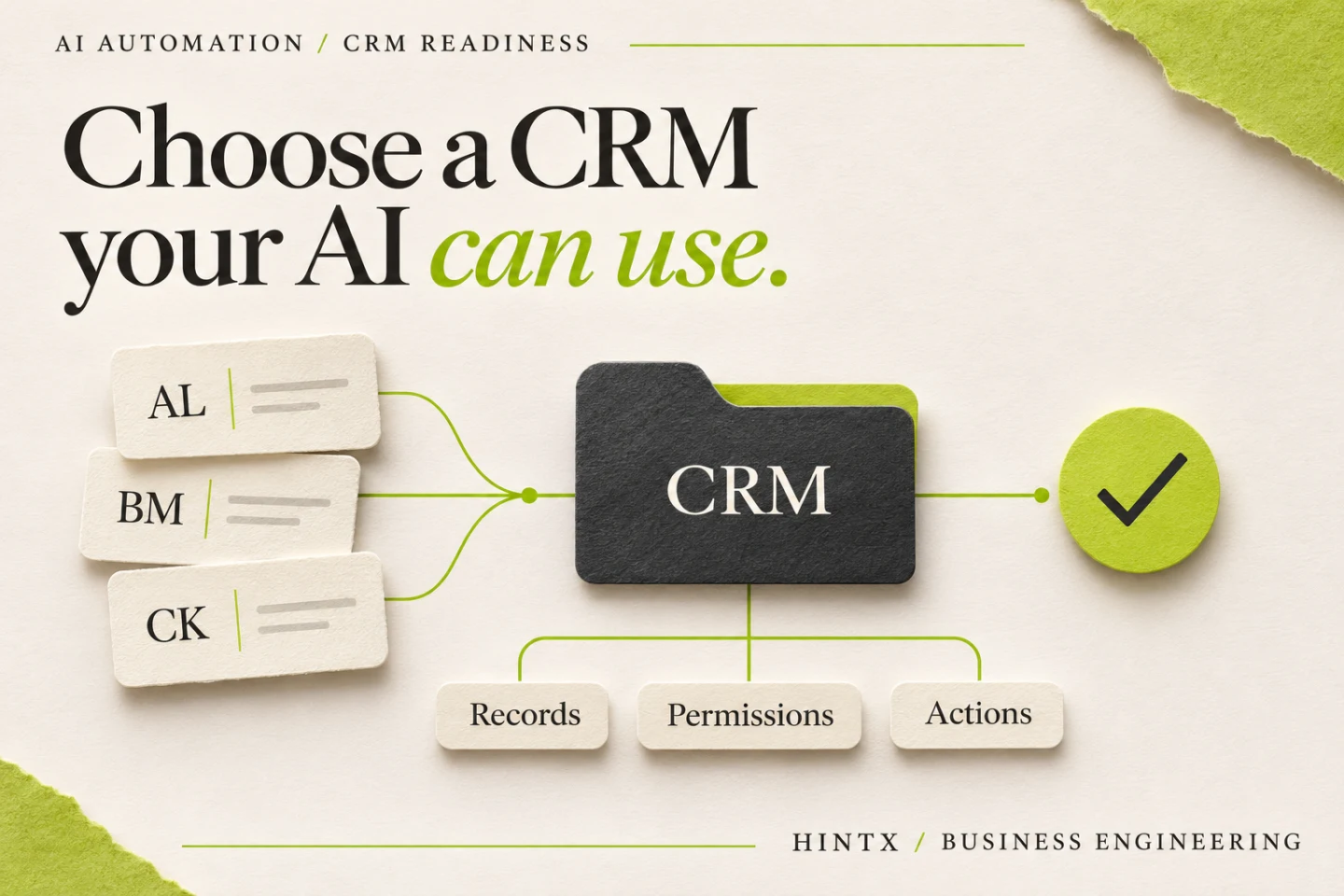
The best CRM for an AI workflow is the one that can hold reliable records, expose the right actions and enforce your approval rules. Start with those requirements before comparing AI feature lists.
Choose around the workflow, not the assistant badge
A sales team may need help turning an enquiry into a useful opportunity record. A support team may need a reliable account history before responding. An operations team may need a handover after a deal closes. Each workflow needs different fields, permissions and integrations. Buying a CRM because it advertises AI does not settle those requirements.
Write down three representative tasks your team wants to complete. For each, name the person responsible, the data required, the action that should happen next and the record that proves it happened. Use this as the agenda for a product demonstration. A familiar workflow with your own example data is more informative than a polished generic tour.
Decide which system owns each fact
Contact details, company identity, sales stage, invoices and delivery status often live in different systems. A CRM can display information without becoming its authoritative source. Make that distinction explicit. If accounting owns an invoice balance, an AI assistant should retrieve the current value rather than reconstruct it from an old sales note.
Define stable identifiers and matching rules before importing records. An email address may change; two people can share a company name; one customer can have several locations. Decide how the integration will distinguish a new account from an existing one and who reviews ambiguous matches. Never merge customer records merely because an AI-generated summary says they seem related.
Microsoft's Dataverse migration guidance highlights schema mapping, data quality, relationships and system dependencies as planning concerns. Those are useful questions for any CRM evaluation, although the implementation details differ by product.
A practical CRM shortlist worksheet
| Question | What to ask the vendor to show | Why it matters |
|---|---|---|
| Can we retrieve the correct record? | Search using a stable identifier and handle an ambiguous match | The assistant needs reliable context |
| Can we limit actions? | A role that can create a draft task but cannot change a financial field | Access should match the workflow |
| Can we connect our systems? | Relevant APIs, event delivery, authentication and documented limits | A connector list is not a completed integration |
| Can staff review and correct work? | Approval, rejection, history and manual takeover | Uncertain cases need a usable destination |
| Can we leave later? | Export records, relationships, attachments and relevant history | Procurement should include an exit route |
Mark a requirement as demonstrated, documented but untested, or unavailable. Do not turn a roadmap statement into a supported feature. Record which subscription tier, connector and permission set were used in the demonstration, because availability may depend on the configuration.
Keep AI suggestions separate from authoritative fields
An assistant can prepare a meeting summary or suggest an enquiry category. Store the suggestion alongside its source and review state. Avoid silently replacing a verified company name, contractual commitment or deal value with generated text. The user should be able to see what came from the original record and what the assistant inferred.
A useful first workflow is “prepare, review, apply”. The assistant prepares a proposed update, a staff member sees the changed fields, and the system applies the approved action once. Show the before and after values where practical. If a request times out, the integration should check whether it already completed before repeating it.
For example, a fictional installation business receives an enquiry asking about several locations. AI could summarise the request and propose tasks for a salesperson. It should not invent a budget, claim purchasing authority or create duplicate opportunities for every address. The salesperson resolves those uncertainties, and the CRM stores the outcome.
Test duplicates, permissions and failures
Run the same enquiry twice during evaluation. Check whether the workflow links to the existing contact, creates a duplicate or asks for review. Then test two similar names, a missing email address and an update from another connected system. These cases reveal more about operating reliability than a perfect single-record demo.
Microsoft's duplicate-detection documentation explains match rules and notes that simultaneous processing can still create duplicates. Treat duplicate prevention as something to verify in your actual integration path, not a guarantee implied by a checkbox.
Also remove a permission in the test environment and disconnect one dependency. The workflow should make the failure visible, preserve the original enquiry and avoid claiming completion. Someone needs to own the pending queue. An error notification without an accountable reviewer simply moves the problem to another inbox.
Plan migration and adoption together
Keep an inventory of the records, relationships and attachments you intend to move. Review a sample migration with the people who use that information. Confirm that account links, ownership, dates and status meanings survive. Retain a recoverable source export and agree when the old system becomes read-only as part of the migration plan.
Train users on the real approval and correction steps. If staff cannot understand why a suggestion appeared, they may accept it carelessly or ignore it entirely. Start with one team and one bounded task, then compare the operating effort with the previous process before expanding.
This article covers CRM selection and readiness. Our AI lead qualification guide explains enquiry routing, while the client onboarding article covers the next operational handover. Selecting the platform is only the first decision.
Frequently asked questions
Do we need a new CRM to use AI?
Not necessarily. First check whether the current CRM has adequate data quality, permissions and integration access. A bounded improvement can be more useful than a platform replacement.
Should every field be available to the assistant?
No. Give it only the records and actions needed for the specific task. Verify those restrictions with the actual integration account.
Can a CRM demonstration prove future sales growth?
No. It can demonstrate capabilities and operating fit. Qualified enquiries, sales outcomes and adoption need separate measurement after rollout.
Make the selection concrete
HINTX can help assess business requirements and connect the chosen platform through workflow automation. Bring us one real CRM workflow, your existing systems and the actions that require approval.
The cover is an editorial illustration, not a client dashboard or measured business result.

Login to comment
To post a comment, you must be logged in. Please login. Login
Comments (0)